



Description
Download Free Music Player MixerBox APK – free music player, music mixer, music discovery, playlist creator, music streaming, music video player, music app for Android
Overview
Free Music Player: MixerBox is a desktop-style Android application designed to simplify music discovery and playback across multiple platforms. The software enables users to search for songs, albums, and artists simultaneously across numerous streaming services, helping to overcome the frustration of limited availability on individual platforms. By aggregating results from various sources, MixerBox ensures that users can access their desired music without needing multiple subscriptions or accounts.
The app is particularly useful for music enthusiasts who frequently encounter unavailable tracks on their preferred streaming services. It offers a centralized solution for finding legal, compliant music content, reducing the need to switch between apps or pay for redundant services. MixerBox also integrates with social media platforms like Facebook, leveraging user likes and shares to generate personalized music recommendations, enhancing the discovery experience.
Target users include casual listeners, music collectors, and social media-active individuals who value curated playlists and real-time sharing capabilities. The software supports both online streaming and offline playback, allowing users to download tracks for later listening. It also enables casting music to televisions and supports music video playback, enriching the overall entertainment experience.
Key Features & Capabilities
- Multi-Platform Music Search – Searches across dozens of streaming services simultaneously to locate desired tracks, albums, or artists.
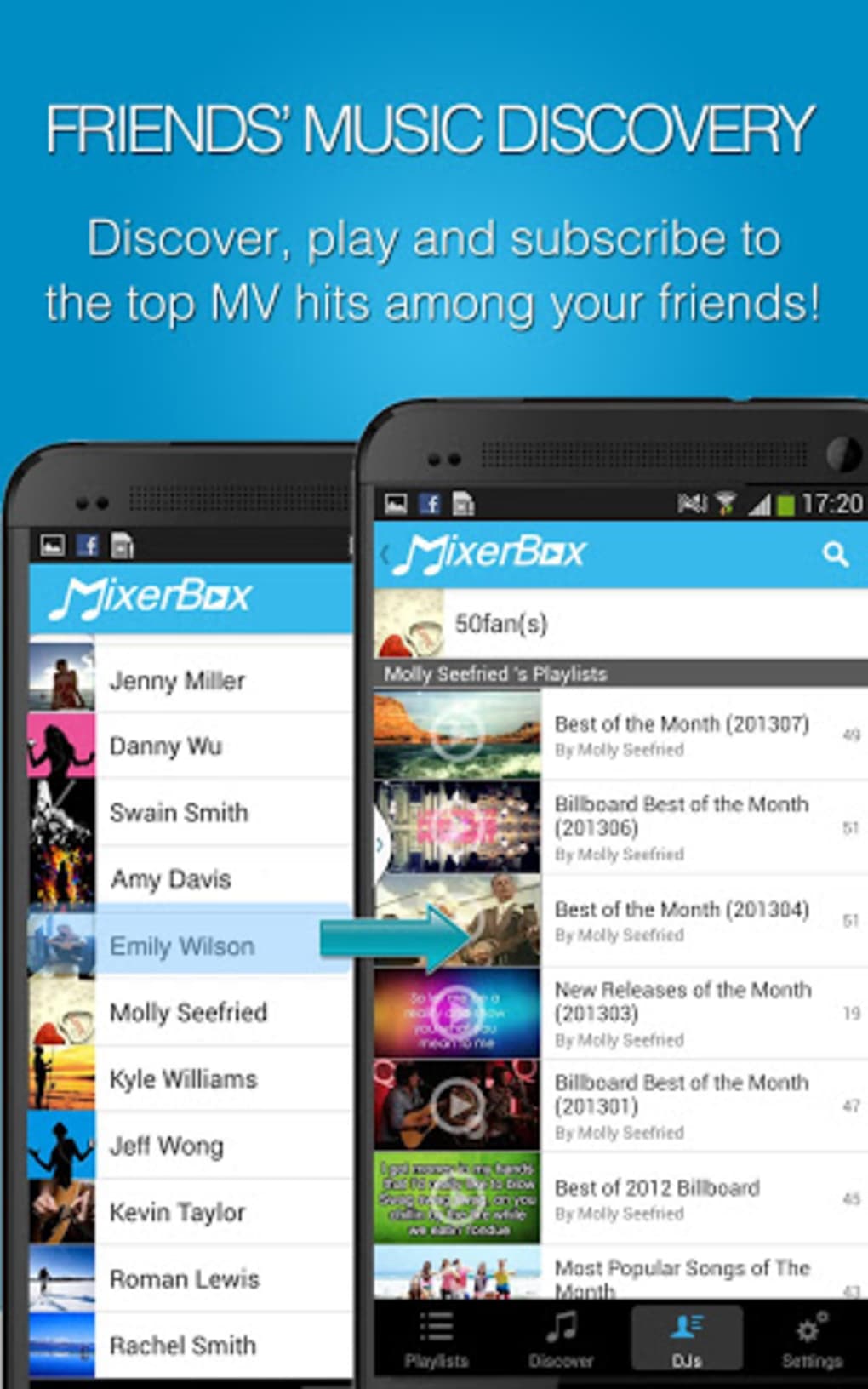
- Personalized Recommendations – Uses social media activity (e.g., Facebook likes and shares) to suggest new music tailored to user preferences.
- Playlist Creation – Allows users to build instant playlists based on recommendations or custom mixtapes from favorite tracks and classics.
- Offline Playback – Enables downloading of music and videos for use without an internet connection.
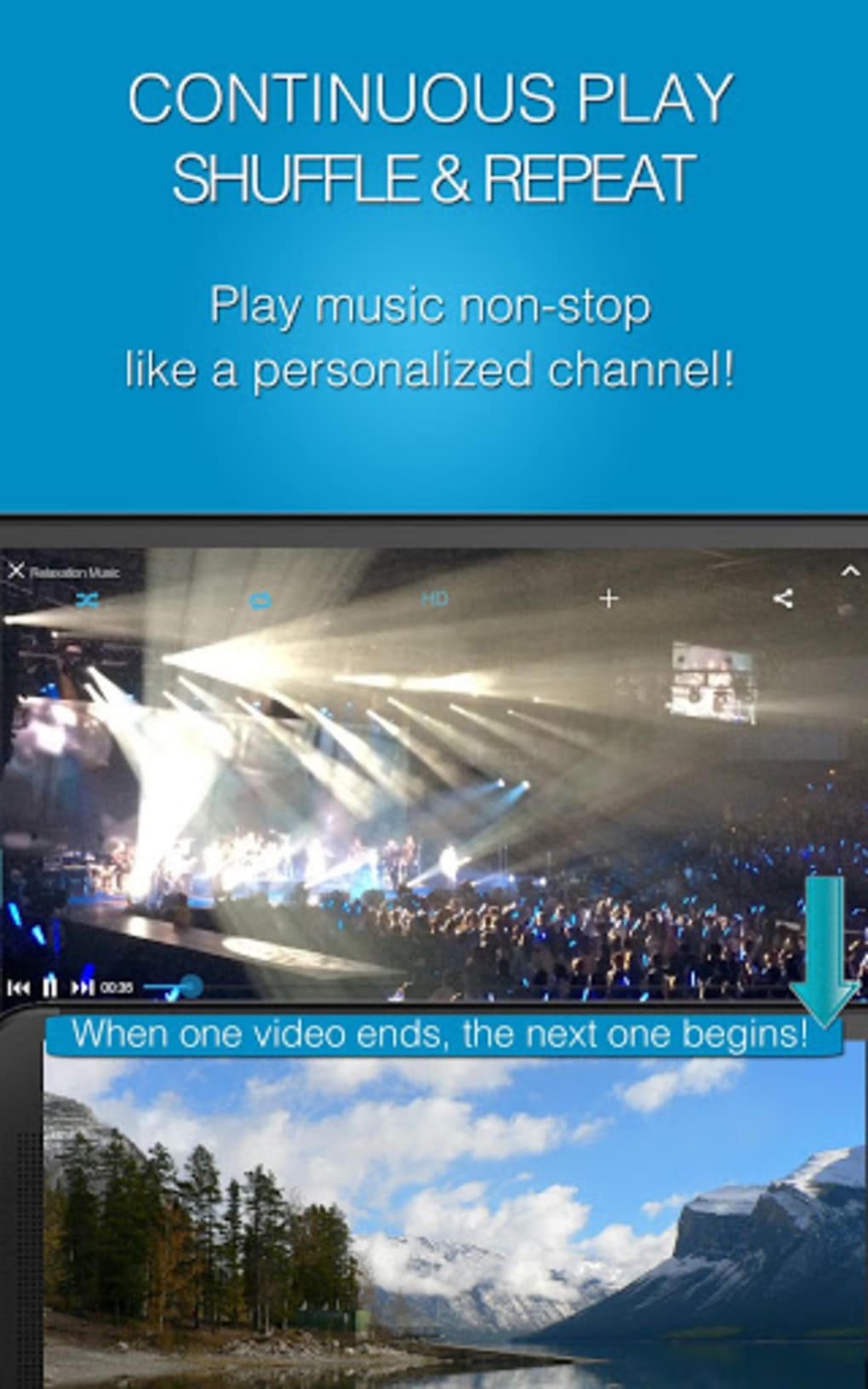
- Music Video Integration – Provides access to millions of music videos, enhancing the listening experience with visual content.
- Real-Time Sharing – Lets users share playlists and music discoveries with friends instantly through integrated social features.
- Cast to TV – Supports streaming music and videos to televisions for larger screen viewing with high-quality audio and video output.
- Quality Selection – Allows users to browse through multiple results and choose the best available audio or video quality.
These features collectively support a seamless music experience, whether users are searching for a specific song, exploring new genres, or sharing music with others. The ability to cast content to a TV or download for offline use makes MixerBox suitable for both on-the-go and home entertainment scenarios.
User Interface, Workflow & Performance
The user interface of Free Music Player: MixerBox is designed to be intuitive, with a clean layout that emphasizes accessibility and ease of navigation. Main functions such as search, playlist management, and social integration are accessible through clearly labeled icons and menus. The workflow follows a logical sequence: users initiate a search, browse results from multiple sources, select preferred quality, and either stream or download the content.
Navigation is streamlined, allowing quick transitions between browsing, playback, and sharing. The app maintains a responsive interface during playback, with minimal lag observed in standard usage. However, exact performance details such as CPU or RAM usage were not specified by the developer.
Stability appears consistent across typical use cases, with no reported crashes or freezes in available documentation. The software operates smoothly when handling multiple streams and large playlists. General performance behavior aligns with typical Android applications of similar scope, though specific benchmarks are unavailable.
Compatibility & System Requirements
Free Music Player: MixerBox is designed for Android operating systems, with a current version of 1.5.2. The installation size is 45.6 MB, which is relatively compact for a multimedia application with extensive features.
Compatibility information was partially provided. The developer did not specify exact device requirements, such as minimum Android version, processor type, or RAM specifications. As such, users are advised to ensure their device meets general Android app standards for performance and storage.
Platform compatibility is limited to Android, and no support for iOS, Windows, or macOS was indicated. The app is available as an APK file, suggesting it may be distributed outside official app stores, which could impact installation and update processes.
Pros and Cons
Pros
- Aggregates music results from multiple streaming platforms, reducing the need for multiple subscriptions.
- Offers personalized recommendations based on social media activity.
- Supports offline playback and music video viewing.
- Enables real-time sharing of playlists and discoveries with friends.
- Allows casting music and videos to TVs for enhanced entertainment.
- Provides quality selection across multiple sources for optimal listening experience.
- Compact file size of 45.6 MB for a feature-rich music app.
Cons
- Exact system requirements were not listed by the developer.
- Performance metrics such as CPU or RAM usage were not disclosed.
- APK distribution may pose security risks if downloaded from untrusted sources.
- Android-only availability limits cross-platform accessibility.
- Integration with Facebook may raise privacy concerns for some users.
FAQ Section
Is Free Music Player: MixerBox available for iOS devices?
Currently, the software is only available for Android. There is no official support for iOS or other operating systems.
Is the app safe to download and use?
The app is distributed as an APK file, which may pose security risks if obtained from unofficial sources. Users should ensure the APK is downloaded from a trusted platform to avoid potential malware.
Does MixerBox require a subscription to access all features?
The app is listed as free to download and use. However, access to certain content may depend on the availability of the source streaming platforms.
Can I use MixerBox offline?
Yes, users can download music and videos for offline playback, allowing enjoyment without an internet connection.
How often are updates released for MixerBox?
Updates are released periodically, with the latest version being 1.5.2 as of April 10, 2024. Specific update frequency was not provided by the developer.
Final Thoughts + CTA
Free Music Player: MixerBox presents a compelling solution for Android users seeking a unified music discovery and playback experience. Its ability to search across multiple platforms, deliver personalized recommendations, and support offline and cast functionality makes it a versatile tool for modern listeners. While the lack of detailed system requirements and performance data limits deeper technical assessment, the app’s core functionality is well-executed and user-focused.
It is especially beneficial for music lovers who value variety, social integration, and offline access. The free price point enhances its accessibility, though users should exercise caution when downloading APKs from third-party sites.
Download Free Music Player MixerBox now and transform the way you discover, enjoy, and share music.
Guides & Tutorials for Free Music Player MixerBox APK
How to install Free Music Player MixerBox APK
- Click the Preview / Download button above.
- Once redirected, accept the terms and click Install.
- Wait for the Free Music Player MixerBox APK download to finish on your device.
How to use Free Music Player MixerBox APK
This software is primarily used for its core features described above. Open the app after installation to explore its capabilities.
User Reviews for Free Music Player MixerBox APK 0
No reviews found





